Lead Call Tags
Used in these workflows
- Description: Use Lead-Call Tags to classify the outcome of every call with a lead. This allows for quick filtering and analysis of communication efforts, streamlining your follow-up process.
- How to create and manage:
- Go to Leads -> Admin Settings.
- Click on the Lead Call Tags card.
- Click the + Create button.
- Enter a Name and an optional Description.
- Click Submit to save.
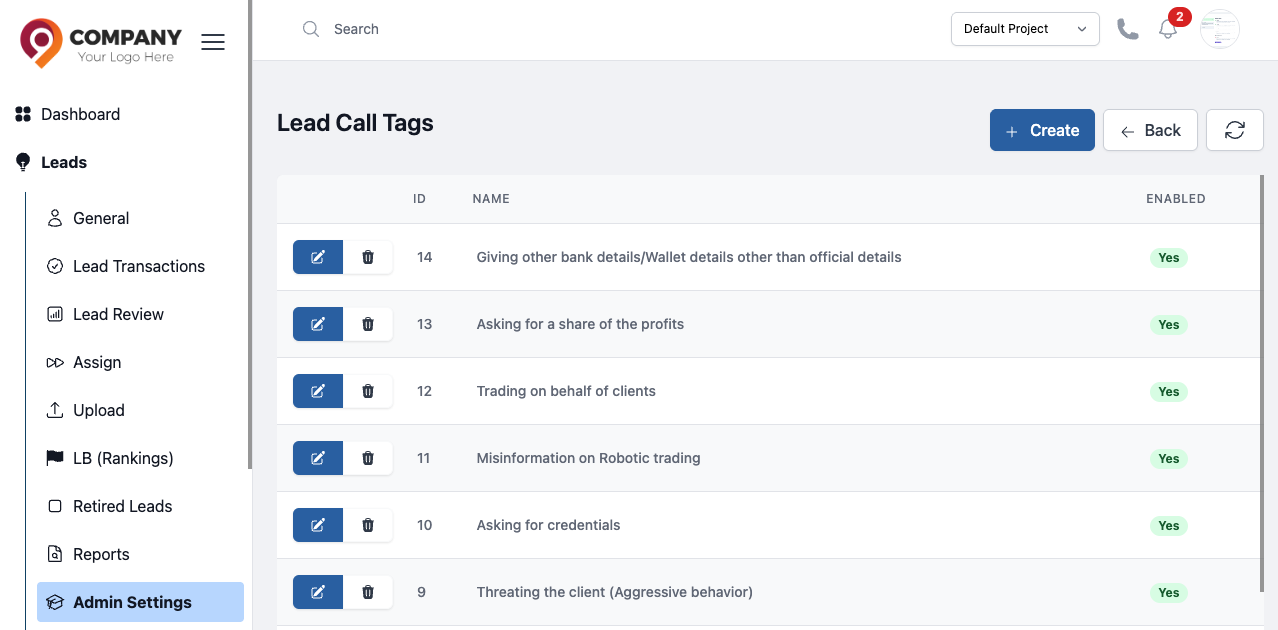
Figure: Lead Call Tags